
Quizzes from your notes
Make a quiz from your notes
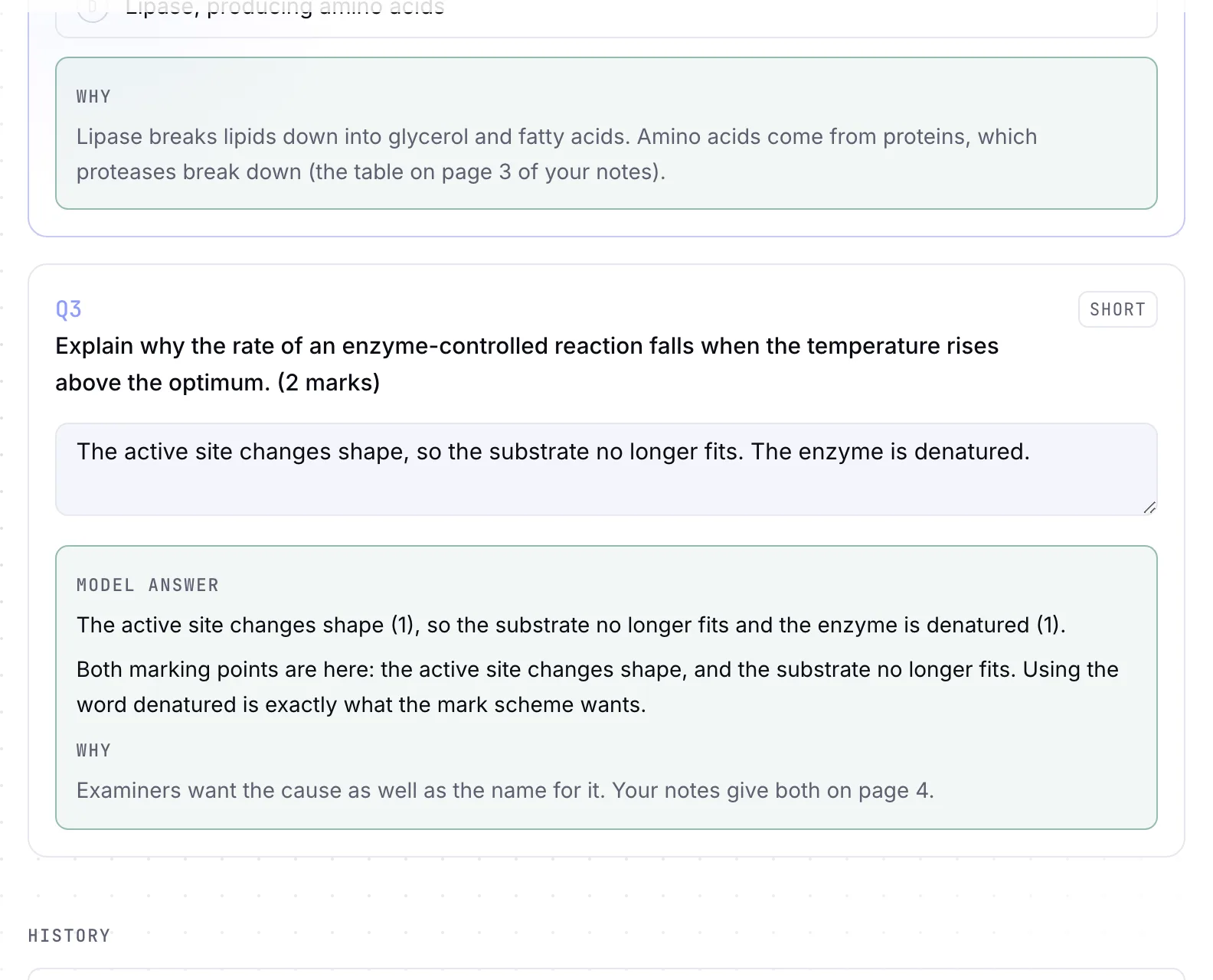
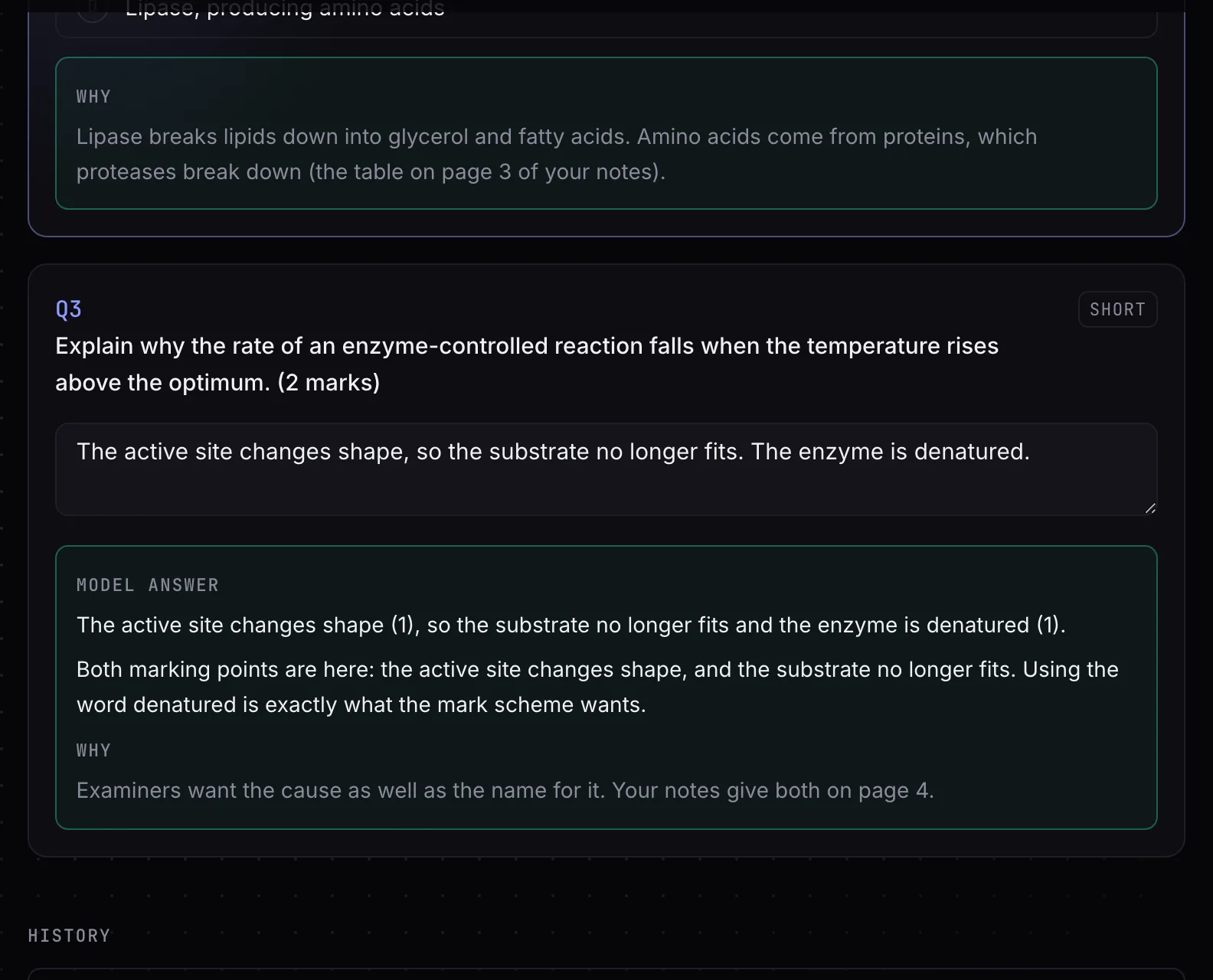
Upload your notes and RevisionDeck writes an exam-style quiz from them: multiple choice, true or false, and short and longer written answers. Your written answers are marked against the points an examiner looks for, with feedback on what you missed.
How it works
- 1
Upload your notes
A PDF, a Word document, slides, a photo of handwritten notes, or text you paste in.
- 2
Choose your quiz
Usually 8 to 12 questions, at easy, medium or hard, with the kinds of question you want.
- 3
Answer and get marked
A hint when you are stuck, an explanation after each question, and written answers marked against the marking points.
Works from what you already have
- PDFs
- Word documents
- Slides
- Photos of the board
- Handwritten notes
- Revision guides
- Past papers
- Pasted text
Why test yourself?
Having to remember something is what makes it stick, far more than reading it again. A quiz from your own notes checks exactly what you were taught.
It also shows you what to go back to: the questions you got wrong are the topics to revise next.
How are written answers marked?
Each written question comes with the points a full answer makes, the way a mark scheme does. Your answer is checked against them, and the feedback says which points you made and which you missed. It is a guide to help you improve, not an official mark.
Questions
Start with the notes you have
Free to start, with no card needed. Try a sample first if you like: no account, nothing to fill in.